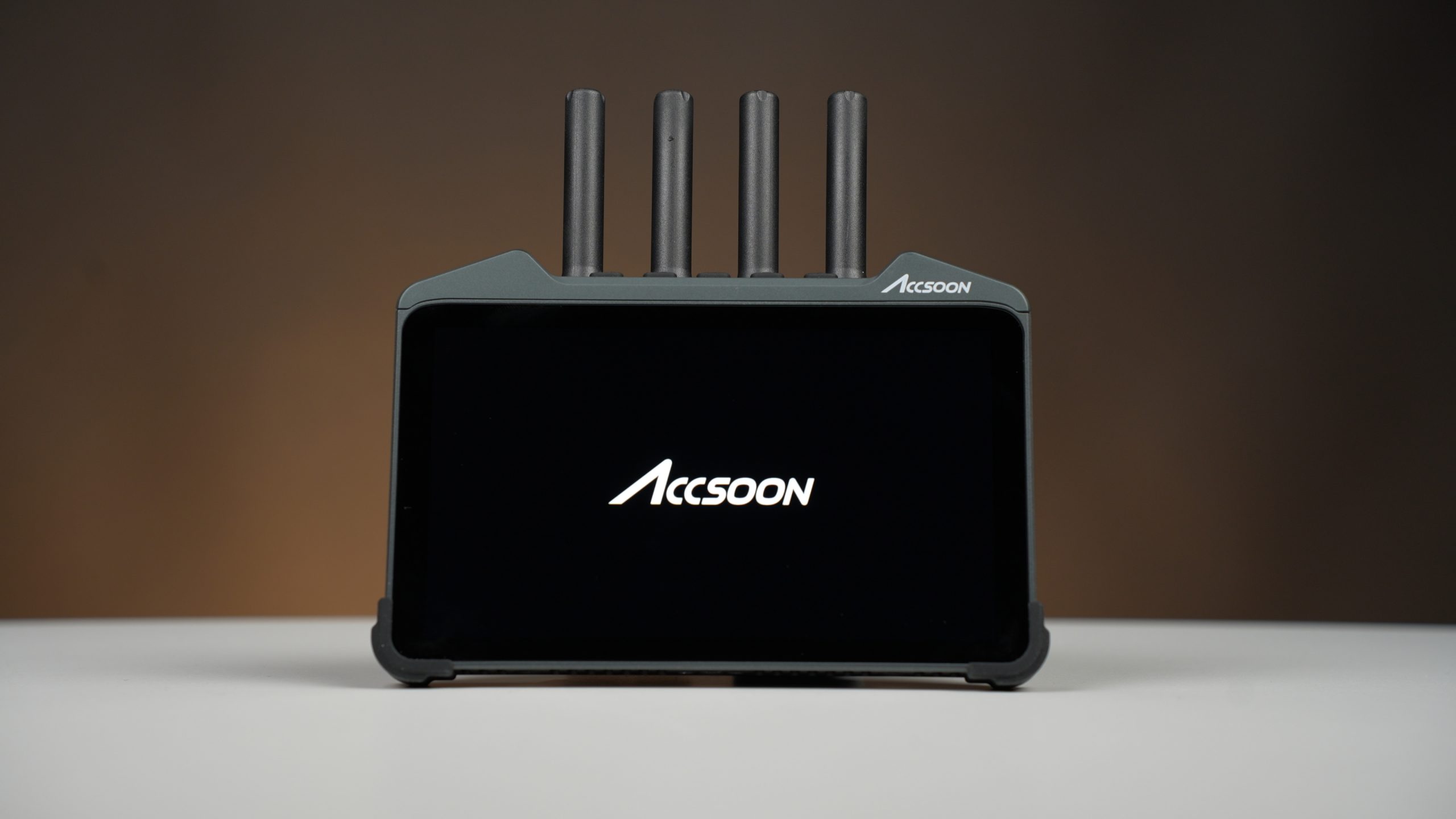
Accsoon CineView M7H Pro Review: The Best On-Camera Monitor I’ve Used So Far

Video available in Arabic only
Watch the video review on YouTube
The accompanying video review for this article is available in Arabic only.
Every now and then, a piece of gear comes along that genuinely changes the way you work. In a market crowded with field monitors competing on brightness, colour accuracy, and feature lists, it takes something special to stand out.
For me, the Accsoon CineView M7H Pro is one of those products. I’ll start with the conclusion right away:
This is the best field monitor I have used to date.
That is a significant statement, especially considering that I have worked with most of the major brands on the market, including industry leaders such as Atomos. Yet after several months of real-world use on documentaries, commercial productions, and field assignments, I still stand by that assessment.
Why I Already Liked Accsoon
Before talking about the monitor itself, it’s worth mentioning that my appreciation for Accsoon did not start with the M7H Pro. Over the years, I have tested several of the company’s products. One of my favourites was the SeeMo, which transforms an iPhone or Android phone into a professional camera monitor. I liked it so much that it became a permanent companion in my travel kit.
To be clear, Accsoon has occasionally sent me products for testing, but I have never been paid to promote them. My opinions here are based entirely on practical use. So when the M7H Pro arrived, my expectations were already high. Fortunately, it exceeded them.
What Do I Actually Need From a Monitor?
When I evaluate a field monitor, I focus on four key areas:
- Colour accuracy
- Connectivity
- Ease of use
- Monitoring tools
The M7H Pro delivers exceptionally well in all four.
Colour Accuracy
The monitor comes factory-calibrated and offers excellent colour reproduction. In direct comparison, I found it virtually indistinguishable from my Atomos Shinobi in terms of colour accuracy. That is impressive for a monitor in this category and price range.
Connectivity
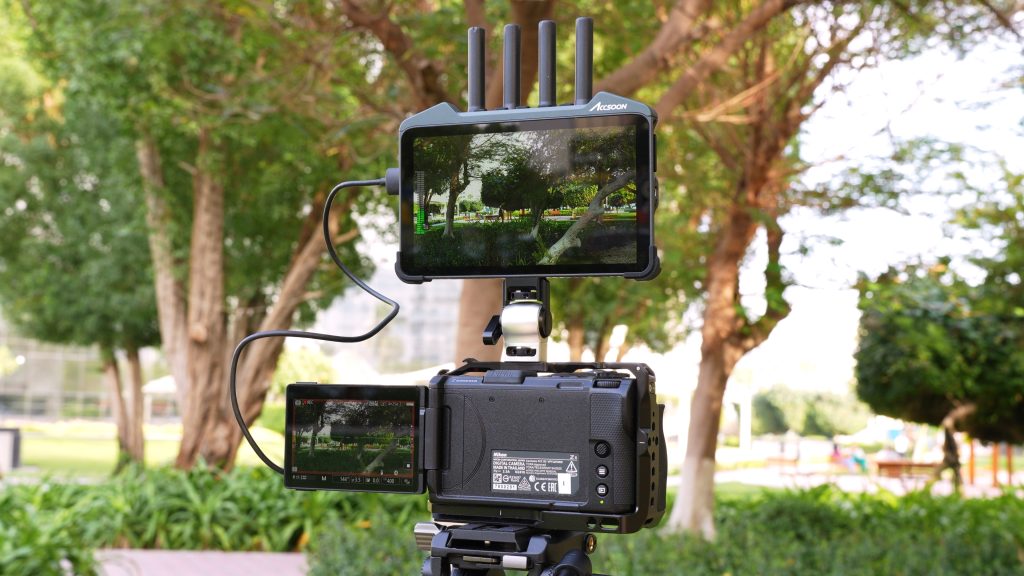
This is where the M7H Pro starts to separate itself from the competition. Rather than being just a monitor, it functions as part of Accsoon’s broader wireless ecosystem. It can receive video wirelessly from Accsoon transmitters and simultaneously retransmit the signal to other compatible devices. This makes it ideal as a director’s monitor, a client monitor, or a central hub within a wireless production workflow.
Ease of Use
The monitor runs on Android. That might sound like a small detail, but it has a huge impact on usability. The interface feels modern, responsive, and intuitive. Instead of navigating complex proprietary menus, you get a workflow that feels familiar and efficient.
Features
Simply put, it has everything. Waveforms, vectorscopes, histograms, false colour, peaking, zebras, LUT support, anamorphic de-squeeze, audio meters — you name it. And unlike many competing monitors, it also includes internal recording capabilities.
Design and Build Quality
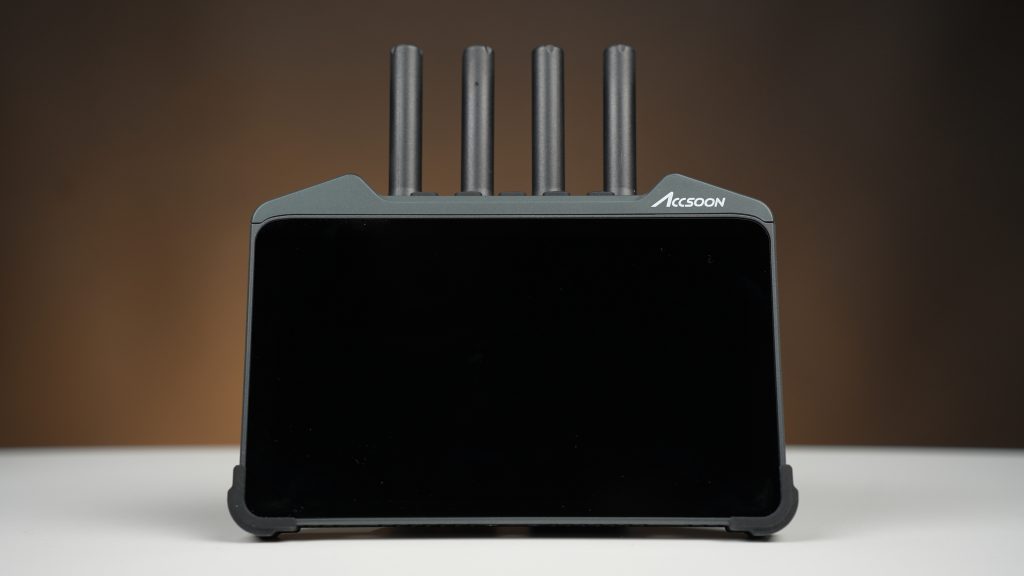
The M7H Pro features a robust plastic construction. Some users may prefer an all-metal body, but the plastic design helps keep the weight manageable without feeling cheap or fragile.
- Top: five antenna connectors, five physical buttons, three fully programmable shortcut buttons
- Rear: dual Sony NP-F battery slots, USB-C Power Delivery input, 5V power output, integrated cooling fan
- Right side: SD card slot, USB-C data port, DC power input, 1/4-inch mounting point
- Left side: 3.5 mm microphone input, HDMI input, HDMI output, headphone jack, built-in speaker
The overall design feels practical and production-oriented, clearly built by people who understand real-world filmmaking workflows.
The Display
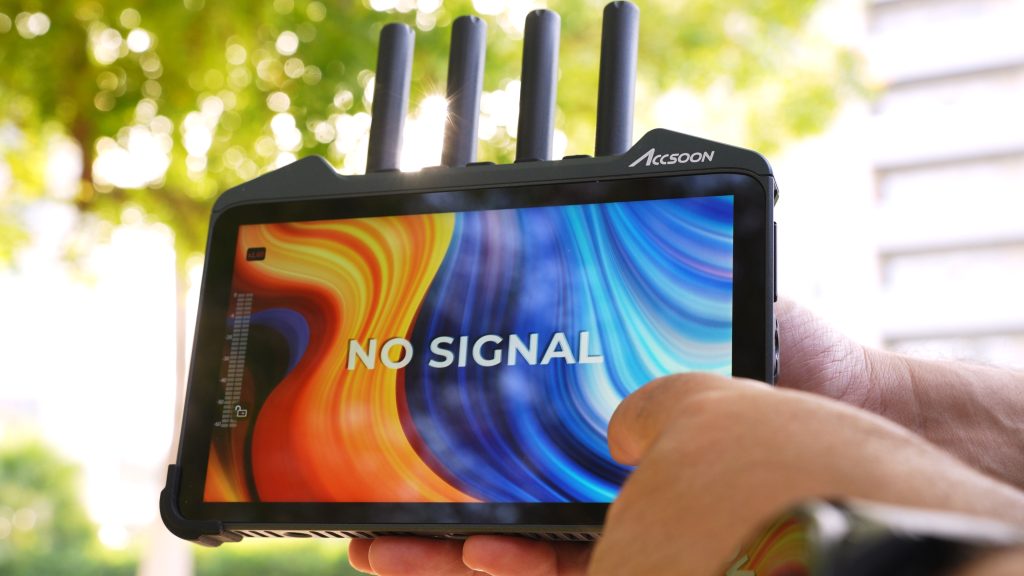
- 7-inch touchscreen
- Full HD 1920 × 1080 resolution
- 1000-nit brightness
- 170-degree viewing angle
- Factory colour calibration
The 1000-nit brightness proved more than adequate for outdoor shooting. Even under harsh daylight conditions, I rarely found myself struggling to see the image. The touchscreen is responsive, making navigation quick and straightforward.
Professional Monitoring Tools
The M7H Pro runs Accsoon’s familiar SEE application. The toolkit includes Waveform, Histogram, Vectorscope, Peaking, Zebra, False Colour, Audio Meters, Custom LUTs, Frame Markers, Grid Overlays, Anamorphic De-Squeeze, and Image Rotation/Flip. In practical use, I never found myself looking for a monitoring feature that wasn’t already available.
Internal Recording: Useful, But With Limitations
The monitor can record internally at up to 4K 60fps, H.264 or H.265, up to 50 Mbps. However, recording is limited to 8-bit. While the monitor can receive and pass through 10-bit signals, the internal recording is not designed to replace a dedicated recorder such as the Atomos Ninja.
For me, the recording feature is best suited for proxy recording, backup recording, client review, training and demonstrations, live streaming workflows, and quick reference captures. If you require high-quality master recordings, a dedicated recorder remains the better choice.
LUT Workflow
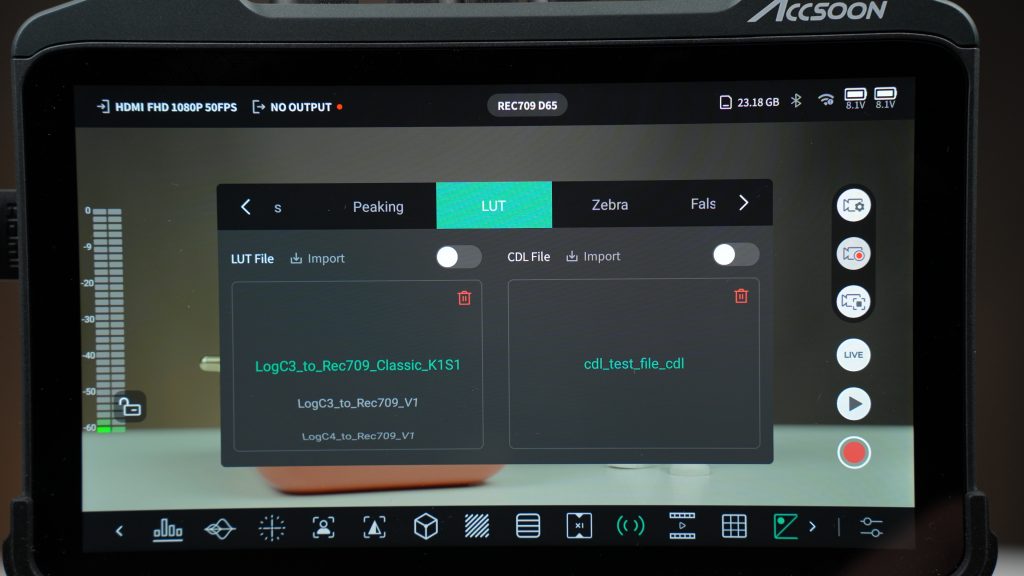
Custom LUT support is implemented very well. Simply copy your LUTs onto a memory card, import them into the system, and you’re ready to go. One of the programmable buttons can even be assigned to toggle LUTs on and off instantly, which becomes surprisingly useful during real-world shoots.
An Excellent Director’s Monitor
One of the reasons the M7H Pro quickly became part of my regular kit is its wireless functionality. During documentary productions, it has frequently served as my director’s monitor, allowing the production team to monitor footage without additional receivers or complicated setups.
Because it can both receive and transmit wirelessly, it naturally becomes a central part of the production workflow rather than just another screen attached to a camera.
Camera Control
Another feature I genuinely appreciated is direct camera control via USB-C. For supported Sony and Canon cameras, the monitor allows control over camera settings, recording start and stop, focus operations, and various camera functions. For solo operators and small production crews, this can significantly simplify shooting.
Final Verdict
After using a wide range of monitors over the years, I can confidently say that the Accsoon CineView M7H Pro is far more than a field monitor. It is a professional monitoring solution, a wireless receiver, a wireless transmitter, a lightweight recorder, and in some cases even a camera control station — all integrated into a single device.
Is it a complete replacement for an Atomos Ninja? No. But I don’t think that is what Accsoon set out to build. Instead, the M7H Pro follows a different philosophy. Rather than focusing solely on recording, it aims to become the centre of your production workflow. And for that reason, it has become the monitor I reach for first whenever I head out on a shoot. At the time of writing, the Accsoon CineView M7H Pro is the best field monitor I have used so far.
This review is based on hands-on field use during documentary and production work, and reflects the author’s personal experience and testing results.
Some links in this article are affiliate links. If you buy through them, TECHMISSION may earn a small commission at no extra cost to you — which helps us keep producing this content. Editorial opinions are independent of any commercial relationship.
بعض الروابط في هذه المقالة هي روابط شراكة. عند الشراء عبرها، قد يحصل TECHMISSION على عمولة بسيطة دون أي تكلفة إضافية عليك — وهذا يساعدنا على الاستمرار في إنتاج هذا المحتوى. آراؤنا التحريرية مستقلة عن أي علاقة تجارية.