Nikon Z5IIC Review: Full-Frame Image Quality for a First Camera
Beautiful colour, capable video and a lower entry price make the Z5IIC easy to recommend—if you are happy composing on a screen.
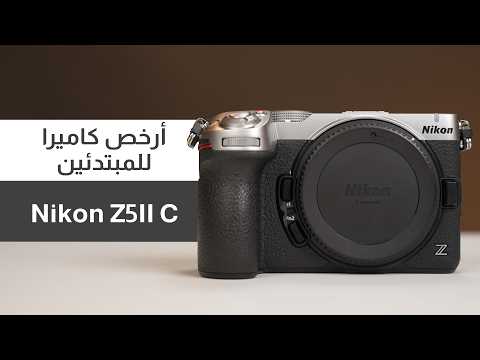
The Nikon Z5IIC is my recommendation for beginners who want full-frame photography and capable video without spending their entire budget on the body. It keeps the image-making qualities I enjoy in the Z5II, while removing the viewfinder and simplifying parts of the handling. The trade-off is clear: you save money, but you compose entirely on the rear screen.
The appeal is the image, not just the price
I have used the Z5IIC at Dubai Safari Park and in other locations, and I came away very happy with both the photographs and the video. I tried it with several lenses, including a 400mm, a 24–70mm and a 50mm. Across those situations, it gave me the same comfortable feeling I get from shooting with the Z5II.
That matters because the Z5II remains one of my favourite cameras for colour. Even alongside more expensive bodies in my kit, I keep returning to the way its images look. The Z5IIC carries that appeal forward: pleasing colour, natural-looking results and white balance that I find consistently dependable. This is my judgement from shooting with these cameras, rather than a claim that every photographer will prefer the same rendering.

A full-frame starting point that leaves money for a lens
In the review, I quote approximately US$1,399 for the body. Against a US$2,000 starting budget, that leaves roughly US$600 for a suitable lens. These are the prices used in the review, not a live quotation; local prices, taxes and offers will change the calculation.
The lens is part of the decision from the beginning. A lower body price is useful when it lets you buy a lens that actually suits the photographs or videos you want to make. For family, travel, everyday photography and a first content-creation setup, that is a more meaningful advantage than paying for controls you may rarely use.
What you give up when the viewfinder disappears
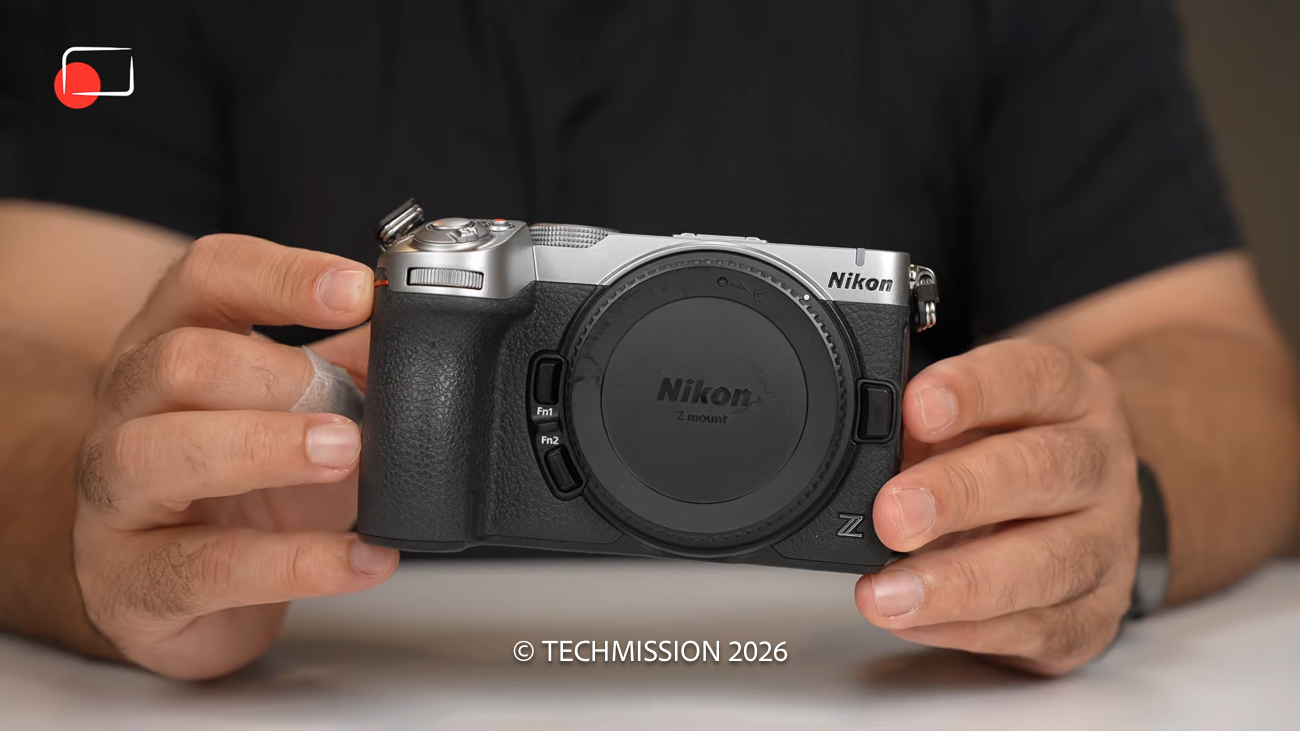
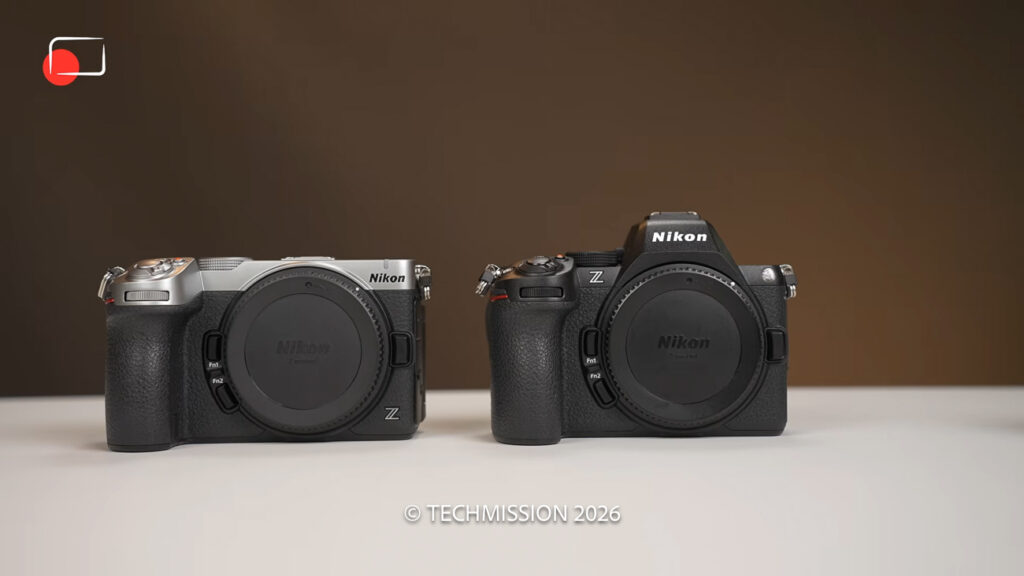
The Z5IIC comes in black or black with silver. Its flat top immediately tells you what is missing: there is no electronic viewfinder. If you are moving from a phone and already prefer composing on a screen, that approach may feel natural. If you instinctively bring a camera to your eye, it is a compromise you will notice every time you shoot.
You also lose the rear focus joystick. You can position the focus area with the directional controls or by touching the screen. The articulating display is useful for filming yourself and working at different angles, but its resolution is lower than the Z5II’s. Because it is your only built-in way to compose, I would have liked Nikon to keep the better display.
In my own shooting, including at Dubai Safari Park, the screen did not prevent me from enjoying the camera. That does not make the missing viewfinder irrelevant: the decision is about how you prefer to work, especially outdoors or with a long lens.
Beginner-friendly controls that still leave room to learn
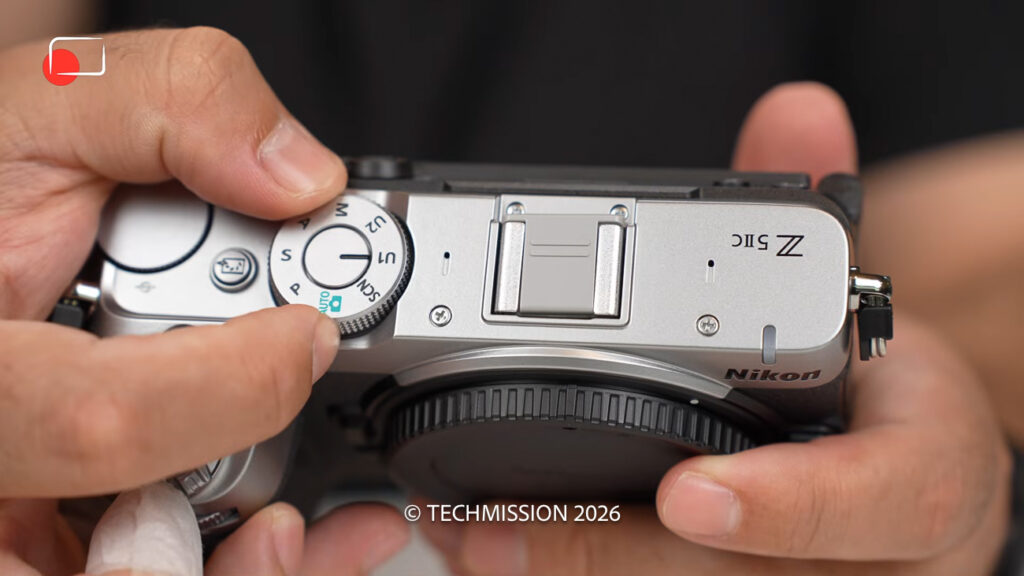
The mode dial includes Scene mode alongside two user settings. Choose a scene that matches your subject and the camera selects appropriate settings. Portraits, landscapes, children, pets, food and other everyday situations are covered. For someone learning composition and timing, that is a useful starting point before taking more direct control of exposure.
The dedicated Picture Control button makes experimenting with the image’s look easy. These settings change colour and tone in the camera; calling them filters is convenient shorthand, but it does not fully describe what they do. You can try a neutral rendering, a stronger colour treatment or monochrome, then explore downloadable recipes through Nikon Imaging Cloud and create your own looks. Film Grain adds another creative option.
I like this combination. The camera can help a beginner make an attractive image immediately, while still offering the manual control needed as their interests develop.
The specifications that matter in practice
| Feature | Nikon Z5IIC |
|---|---|
| Sensor and processor | 24.5MP full-frame BSI CMOS; EXPEED 7 |
| Composition | No EVF; 3.2-inch vari-angle touchscreen, approximately 1.04 million dots |
| Storage | One SD card slot; UHS-II support |
| Stabilisation | In-body stabilisation; rated up to 7.5 stops under specified test conditions |
| Video | 4K/30p oversampled; 4K/60p with DX crop; Full HD/120p |
| Advanced recording | 10-bit N-Log; internal 12-bit N-RAW |
| Connections | USB-C and micro HDMI |
The single card slot deserves attention if you need simultaneous backups for paid work. For everyday shooting, it is a straightforward compromise. The in-body stabilisation was effective in my use, but a stabilised camera still needs an appropriate shutter speed when the subject itself is moving.

Strong autofocus, with a surprising new subject
Autofocus is one of the reasons this feels like a serious camera despite its beginner-friendly positioning. It builds on the capable focusing experience I already enjoy with the Z5II. People, animals and birds are the subjects most readers will care about; the unusual addition here is fish detection.
I can see the appeal for aquarium photography, although I have not tested fish detection underwater. Underwater use would require appropriate protective equipment, rather than simply taking the camera into the water. For my recommendation, dependable everyday focusing matters more than that unusual extra.
Fast burst modes do not turn this into a Z8 or Z9 replacement for demanding sports. The sensor is not stacked, and electronic-shutter shooting can show rolling-shutter distortion with fast movement. Choose the shutter mode with the subject in mind rather than selecting the highest frame rate automatically.
Video you can use now, with room to grow
For content creation, the practical starting point is detailed 4K footage. The camera offers oversampled 4K up to 30p, while 4K/60p uses a roughly 1.5× DX crop. That crop narrows your field of view, so allow for it when choosing a lens for handheld filming or a small room. Full HD up to 120p provides a slower-motion option.
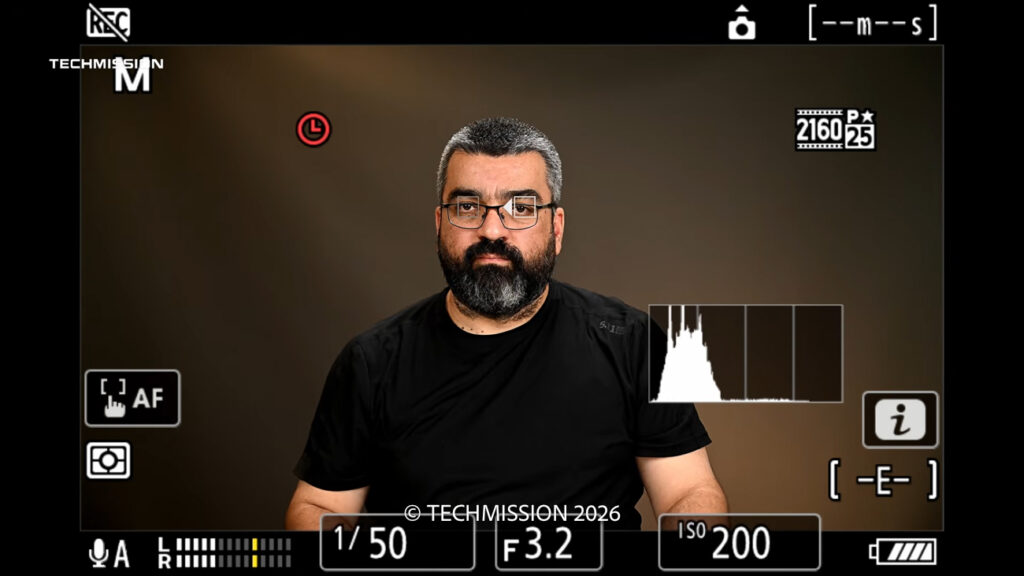
I recorded the review’s talking-head footage on the Z5IIC using 10-bit N-Log. It also offers internal 12-bit N-RAW recording to SD. Those options provide flexibility for colour work, but they are not requirements for making a good video.
In fact, I would rather a beginner start with a manageable workflow than feel obliged to shoot RAW because it appears on the specification sheet. Learn exposure, light and sound first. Move into Log or RAW when you have a reason to use the extra grading flexibility and are comfortable with the additional work.

Z5IIC or Z5II: which would I buy?
The review’s price comparison puts the Z5IIC about US$300 below the Z5II. If that difference is comfortable within your budget, I would choose the Z5II for its viewfinder, better screen and focus joystick. Those are useful features that improve the way you work, even when the resulting image quality is very similar.
If spending the extra would force you to compromise on the lens, the Z5IIC makes a persuasive case. You retain the colour and image quality that make this family of cameras so appealing to me. You simply need to be happy composing on a screen and working with the simpler controls.
My verdict: an easy recommendation for the right beginner
The Nikon Z5IIC is the lowest-cost full-frame setup I recommend in the context of this review’s pricing. It suits someone moving beyond a phone, a photographer who wants a capable everyday camera, or a creator building a first system for photographs and video.
My reservations are practical: no viewfinder, a lower-resolution display, no focus joystick and one card slot. For demanding sports and fast action, I would look further up the range. For family, travel, everyday photographs and content creation, I would be very comfortable starting here—and continuing to use it as my skills develop.